FilePilot
A downloadable game for macOS
FilePilot 1.0 ✈️
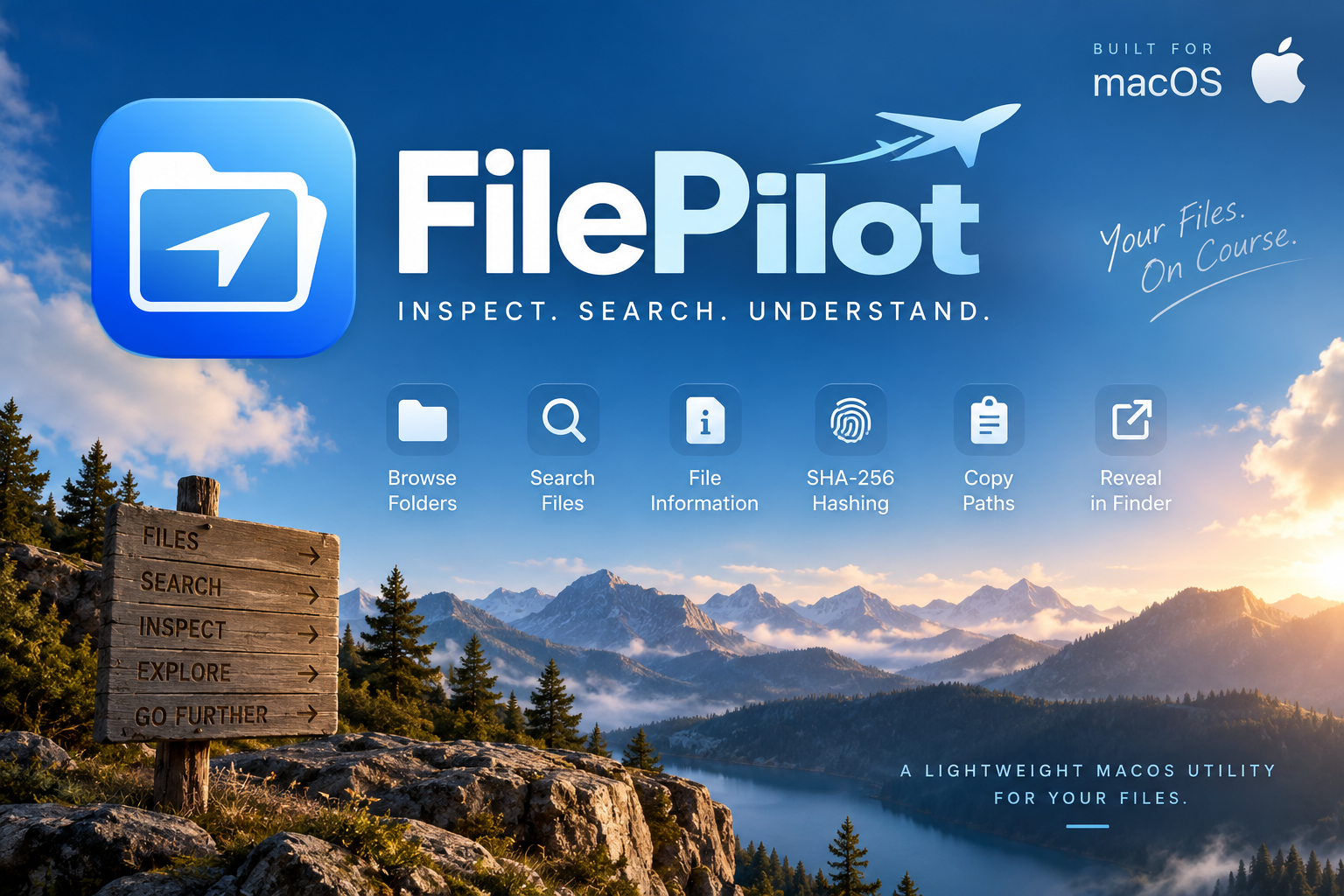
Inspect. Search. Understand.
FilePilot is a lightweight native macOS utility designed to give you useful information about the files and folders on your Mac without burying everything behind complicated menus.
Open a file or folder and FilePilot gives you a simple workspace for exploring what’s there, checking file information, searching directories, and performing useful file-related tasks.
✨ Features
📂 Browse Folders
Open a folder and quickly view its contents, including files, subfolders, paths, and file sizes.
🔎 Search
Search through the currently selected folder and its subfolders by filename.
🧪 File Inspector
Select a file to see useful information including:
- File name
- File type
- Extension
- File size
- Full path
- Creation date
- Modification date
🔐 SHA-256 Hashing
Generate a SHA-256 hash for a file directly inside FilePilot. This can be useful for checking whether two files are identical or verifying a downloaded file against a published checksum.
📋 Copy File Paths
Copy the complete path of a selected file or folder to your clipboard with one click.
🔭 Reveal in Finder
Jump directly from FilePilot to the selected item in Finder.
🍎 Built for macOS
FilePilot 1.0 is a native macOS application built with Swift and SwiftUI.
This release is currently macOS only.
📦 Installation
DMG
Open the disk image and drag FilePilot into the Applications folder.
PKG
Open the installer package and follow the standard macOS installation process.
🚀 Quick Start
Once FilePilot is installed:
- Launch FilePilot from your Applications folder.
- Click Open File to inspect a single file, or Open Folder to explore a directory.
- Select a file to view its information in the Inspector.
- Use Search to find files by name inside the selected folder and its subfolders.
- Click Calculate Hash to generate a SHA-256 checksum for a selected file.
- Use Copy Path when you need the complete filesystem path.
- Use Reveal in Finder to jump directly to the selected item in macOS Finder.
That's it. No setup, accounts, or complicated configuration required. Open FilePilot, choose something, and start exploring.
⚠️ macOS Security Notice
FilePilot 1.0 is currently distributed independently and is not Apple-notarized. Depending on your macOS security settings, macOS may display a warning when you first attempt to open the application.
🚀 Version 1.0
This is the first public release of FilePilot.
FilePilot started as a small file utility and will continue growing with new tools and improvements in future versions.
FilePilot 1.0
Built by Kai.
Download
Install instructions
📥 Download & Install FilePilot
FilePilot 1.0 is currently available for macOS only.
💿 Option 1: DMG — Recommended
The DMG is the easiest installation method for most users.
- Download FilePilot-1.0-macOS.dmg.
- Double-click the downloaded DMG to open it.
- A FilePilot installation window will appear.
- Drag FilePilot onto the Applications folder shown in the window.
- Wait for the copy to finish.
- Eject the FilePilot 1.0 disk image.
- Open your Applications folder.
- Double-click FilePilot to launch it.
FilePilot is now installed! ✈️
📦 Option 2: PKG Installer
If you prefer the standard macOS Installer:
- Download FilePilot-1.0-macOS.pkg.
- Double-click the downloaded PKG.
- macOS Installer will open.
- Follow the instructions shown by the installer.
- When installation finishes, open your Applications folder.
- Launch FilePilot.
⚠️ First Launch / Security Warning
FilePilot 1.0 is independently distributed and is not currently Apple-notarized. Because of this, macOS may prevent FilePilot from opening normally the first time.
If macOS blocks FilePilot, open System Settings (or System Preferences on older macOS versions), go to Privacy & Security, and review the security message for FilePilot. If macOS provides an Open Anyway option and you trust the FilePilot download, you can use it to allow the app to launch.
Only install FilePilot from the official FilePilot itch.io release.
🗑 Uninstalling FilePilot
To uninstall FilePilot:
- Open Applications in Finder.
- Find FilePilot.
- Move FilePilot to the Trash.
- Empty the Trash if you want to remove it immediately.
No special uninstaller is required.
Development log
- FilePilot 1.07 days ago
Leave a comment
Log in with itch.io to leave a comment.